


SEKKACHAN– category –
Articles about "SEKKACHAN," the site's original character/project.
-

How to Create Webtoon-Style Vertical Images in CorelDRAW
The Perfect Visual Format for the Smartphone Era In recent years, more and more users are enjoying comics and illustrations on their smartphones. Among the most popular trends is the vertical-scrolling Webtoon format, which has gained gl... -

Samurai Sword Parts and Names Explained with Photos (Replica Katana Reference)
This article showcases detailed photos of a replica katana, including the tsuba (guard), tsuka (handle), and saya (scabbard). It's part of the SEKKACHAN series and can be used as reference for illustration or vector graphic design. If th... -

Aseprite File Format Guide: Which Save and Export Options Are Best for Web, Games, and Animation?
Aseprite is a powerful software specialized in pixel art and sprite animation, but many users wonder:“Which file format should I use when saving my work?” In fact, there are many formats to choose from when saving or exporting in Aseprit... -
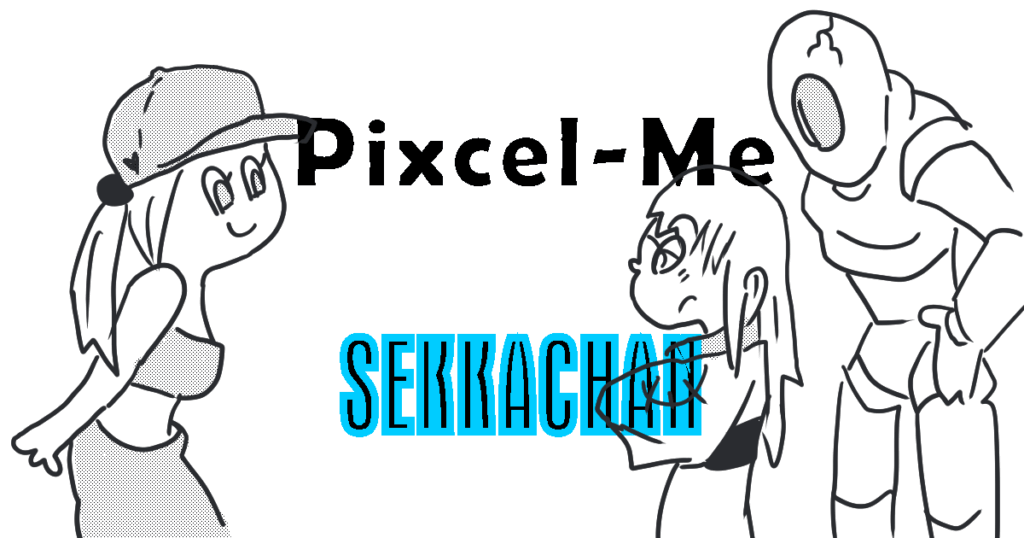
Let’s Play with Pixcel-Me! Can We Recreate the SEKKACHAN Characters?
Trying Out Pixcel-Me Pixcel-Me is a fun little tool that lets you mix and match facial parts to create pixel-style avatar portraits. It’s super easy to use, but surprisingly deep once you start exploring the part combinations! So today, ... -

Making a Music Video in MOHO PRO: A Beginner’s Guide
We live in an era where anyone can become a creator and share their world with the world. Have you ever dreamed of expressing your own universe through platforms like YouTube or social media? Maybe you’ve thought about animating your own... -

GB What Are Dockers in CorelDRAW? Practical Uses and How to Set Them Up
What is a Docker? Dockers in CorelDRAW are side panels designed to streamline your editing workflow. They allow you to visually fine-tune objects—such as shapes, text, and effects—in real time, making it easier to see changes as you work... -

Complete Guide to the “Properties” Docker in CorelDRAW: Outline, Fill, and Transparency Explained
One of the most essential tools when working in CorelDRAW is the “Properties” docker.This panel lets you manage all visual styling options—such as outlines, fills, and transparency—from a single, centralized location. In this article, we... -

CorelDRAW × Generative AI: How to Animate Characters and Logos
In recent years, generative AI has become incredibly advanced, capable of producing near-photorealistic videos with just a prompt. Furthermore, by preparing a reference image, you can generate consistent visuals and animations that match... -
Create Original Splash Graphics with CorelDRAW!
Splash effects are a perfect match for SEKKACHAN’s samurai-inspired world. Whether it’s for action scenes or dramatic highlights, these dynamic visuals can be created easily and beautifully using CorelDRAW’s vector tools. In this tutoria...
1